
The Upstream Advantage
University of Maryland · 9 NPM packages, 1,032+ Jest tests

Why most design systems make sites slower
Here's the uncomfortable truth about design systems: most of them make sites slower. Import a component library, and suddenly you're shipping 200KB of JavaScript for a button and a card. Teams accept this tradeoff because consistency matters. But it doesn't have to be a tradeoff.
I treated performance as a constraint, not a feature. Every architectural decision got filtered through one question: what's the byte cost? Tree-shakeable exports, granular packages, CDN distribution: each choice earned its place by keeping bundles small.
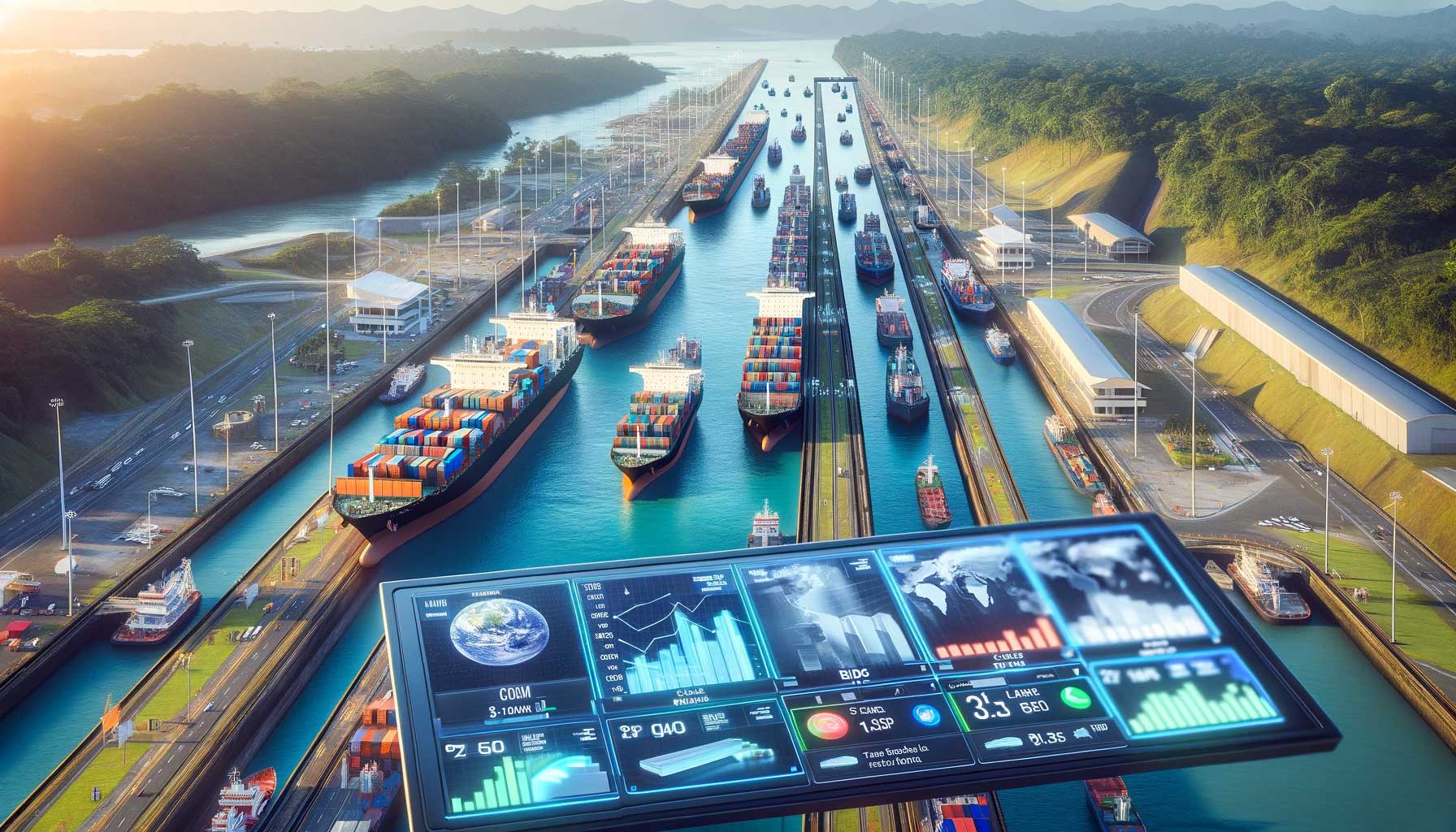

Tree shaking sounds automatic: just import what you need, and bundlers drop the rest. In practice, it's fragile. One side effect in your module, one CommonJS export, one circular dependency, and the whole bundle comes along for the ride.
I structured the packages for reliable elimination:
The test: import one component and check the bundle. If anything else sneaks in, we've failed. This discipline means a simple landing page can use the design system and still score 100 on Lighthouse.

Not every team needs the full component library. Some need design decisions without the UI. Others need UI without the Web Component syntax. We built packages that meet teams where they are:
Each package builds on the layers below it, but you can stop at any level. A native app team using just tokens and a WordPress site using full components both get the same brand consistency—just at different depths.
Performance discipline is easy to talk about and hard to maintain. A few rushed pull requests, and suddenly bundles are 50% larger. I took willpower out of the equation and set automated gates instead.
Every PR runs through:
The conversation changed. Instead of 'we should keep bundles small,' it became 'the CI won't let this merge.' Constraints beat intentions. Teams stopped proposing features that would blow the budget because they knew the pipeline would reject them.
University of Maryland · 9 NPM packages, 1,032+ Jest tests